

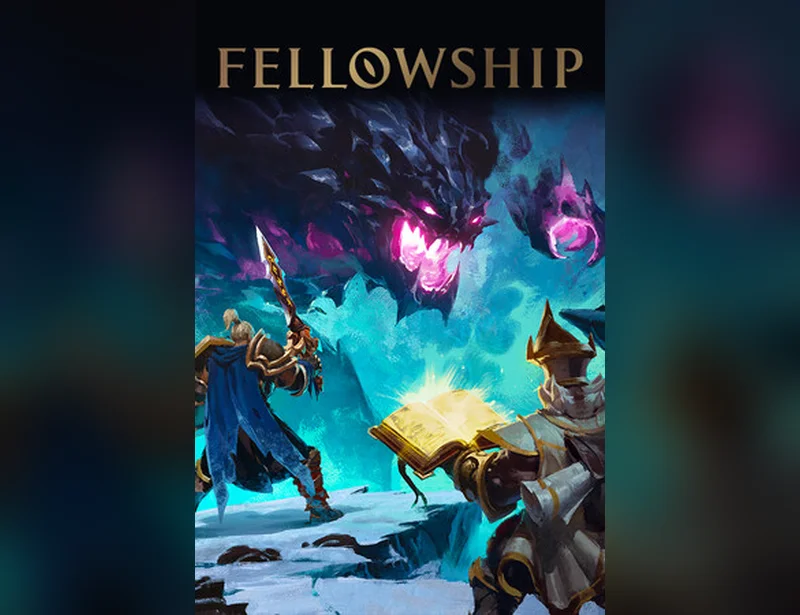
Fellowship





























Platform / Edition
About this game
How to Activate & FAQs
How to Activate
- Purchase Fellowship on GENGHIS and receive your Steam activation key instantly via email and on-screen display.
- Open your Steam client and log into your account.
- Click “Add a Game” in the bottom-left corner and select “Activate a Product on Steam.”
- Accept the Steam Subscriber Agreement and enter your activation key in the next dialog.
- Confirm and download Fellowship. The game will appear in your library ready to play.
Valid for Europe, US & Canada. By using GENGHIS you agree to our Terms & Conditions and Privacy Policy. Refunds are governed by our Refund Policy.
What do I get with this key?
Can I pay with crypto?
How fast will I receive my key?
What is your refund policy?
Need help?
Why Buy Fellowship with Crypto on GENGHIS
Get Fellowship at 15% below Full Price and pay with Bitcoin, Ethereum, USDT, or 300+ other crypto tokens—no bank account or KYC verification required. Your key arrives instantly after transaction confirmation. Discover how it’s safe to spend crypto on game platforms.
Buy Fellowship Steam Key with Crypto
Save 15% on Fellowship by purchasing your Steam key with crypto on GENGHIS. Pay with Bitcoin (BTC), Ethereum (ETH), USDT, Solana (SOL), or any of 300+ supported tokens at checkout. No conversion fees, no KYC required—just paste your key and play. Whether you’re buying Fellowship with BTC for privacy or using stablecoins like USDT for stable pricing, GENGHIS delivers your activation key instantly. Explore all game keys available with crypto and unlock your library today.
Supported Cryptos: BTC, ETH, USDT & 300+ More
GENGHIS natively supports over 300 crypto tokens. Pay with Bitcoin (BTC), Ethereum (ETH), USDT, Solana (SOL), and hundreds more at checkout.
Secure Checkout — No KYC Required
No identity verification required. No stored card data. All transactions settle directly on-chain with encrypted delivery.
Similar products
More products like this
No similar products found